Build a decision-making tool
Build a decision-making tool you can defend
Put the rules in the tool, not in the AI's memory. A small single-page app with your rules built in gives the same answer to the same question, every time, and shows why. You can build one in about an hour.
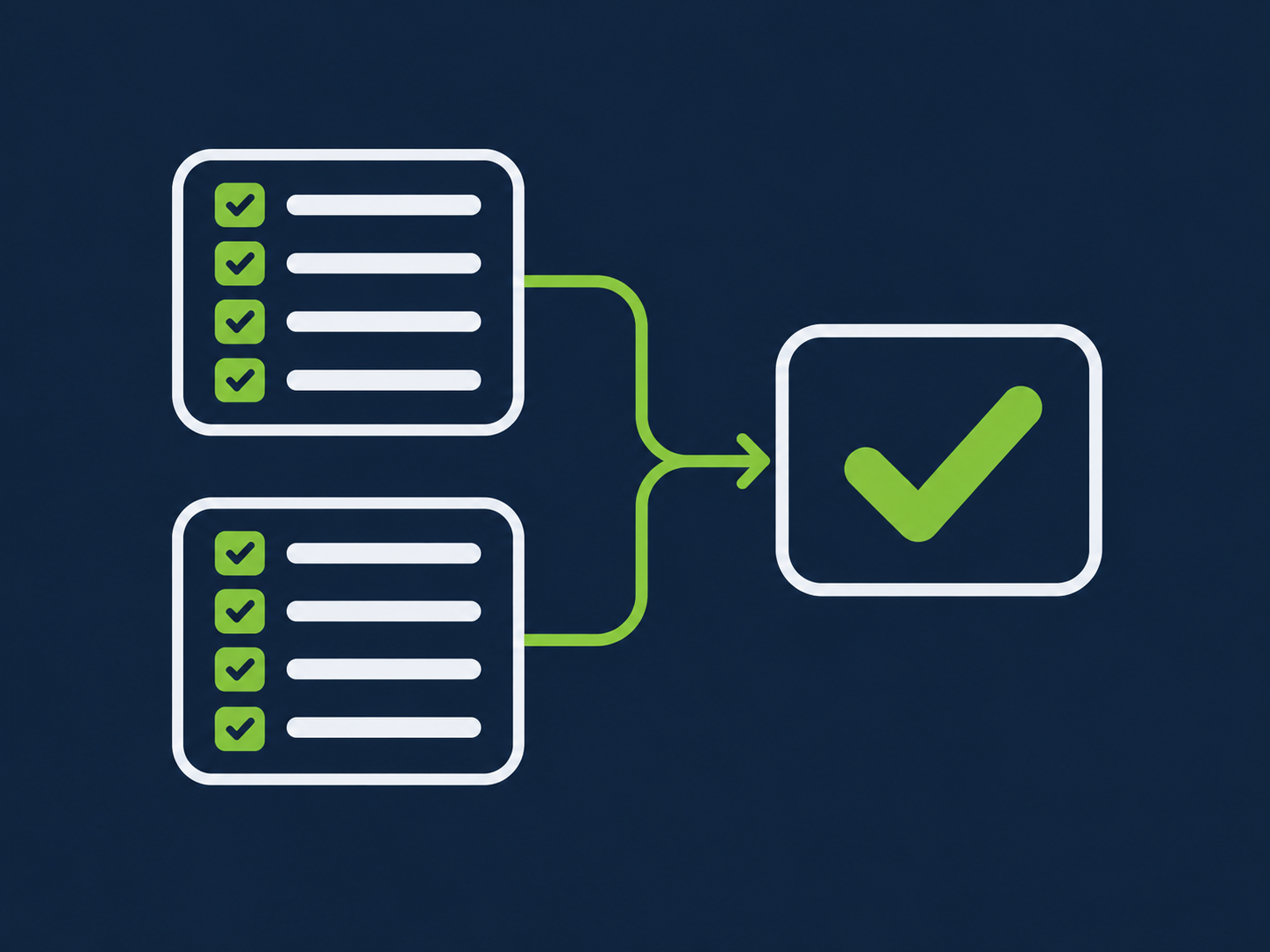
Why put the rules in the app?
An AI chat is good at thinking a problem through, but it isn't built to be consistent. Ask the same question twice and the answer can change. In a long conversation it can lose track of what you told it earlier.
A decision tool works differently. The AI helps you build it once. After that, the app applies your rules exactly as written, with no AI involved in each decision.
- The same inputs always give the same answer
- Every answer shows the rule that produced it
- Changing a rule is a deliberate, visible choice
- Anyone on the team can use it the same way
Keep three things apart
- The configuration defines the rules. Thresholds, limits and the order the rules apply in live in one clearly labeled block that a manager can read.
- The code enforces the rules. It reads the configuration and applies it. It holds no rules of its own, so no number is hiding in it.
- The data stays pure. Inputs and past cases are facts only: amounts, dates, names. No rules and no outcomes mixed in, so the same data can be checked again under new rules.
To change a rule, you change the configuration, not the code. That's what makes each decision easy to review, defend and repeat.
Good candidates
Decisions you make again and again, where you'd like to explain the answer afterwards.
Pricing
Quotes, discounts and rush fees that follow your pricing rules.
Approvals
Spending, refunds or exceptions, with clear thresholds.
Prioritizing
Which request, project or customer comes first, and why.
Planning
Questions like "When can I hire my first employee?", answered by your own numbers and rules.
At a large company, a decision tool can be a reasonable narrow use of AI-built software, as long as it stays within your company's AI policy.
Step by step
We use Claude for this, because it shows the app as an artifact you can test as you go. Why we use Claude. Other capable AI agents can follow the same steps.
Write the rules down in plain language
List the inputs, the rules in the order they apply, and the possible outcomes. This is the most important step, and often the most useful part of the hour: many teams find their rules weren't as clear as they thought.
Gather five to ten past decisions
Pick real cases where you know the right outcome, including a couple of awkward ones. Keep them as plain data: the facts of each case, with the expected outcome noted beside it, not mixed into it. These are your tests.
Have Claude build the app in three parts
Ask for a single HTML file with the rules as configuration in one clearly labeled block at the top, code that only reads and applies that configuration, and a form for the inputs. It should show the outcome and the rule that decided it. If part of the tool uses Claude inside it, for example to pull the facts out of a free-text note, the AI can help gather the facts, but it never applies the rules or makes the decision.
Test it against past decisions
Run every past case. When the tool disagrees, decide whether the rule or the past decision was wrong, and fix the rule in the configuration, not the code and not the data.
Put a version on the configuration
Show a version number and date on screen, and keep copies of older versions, so you can always explain which rules applied to a decision.
A starting prompt: "Build a single HTML file that helps me decide [the decision]. Inputs: [list]. Apply these rules in this order: [your rules]. Keep the rules as configuration in one block at the top of the file, separate from the code. The code must only read and apply that configuration, with no rule values of its own. Treat the inputs and my test cases as data only: never change them or store outcomes in them. Don't use AI to make the decision. Show the outcome and which rule produced it. If no rule applies, say so instead of guessing. Here are past decisions to test against: [cases]."
Honest limits
A decision tool is only as good as the rules you give it. If your rules are incomplete, the tool will be consistently incomplete. It won't replace judgment for cases your rules don't cover, which is why it should say "no rule applies" rather than guess.
Check the agent's work too. Agents don't always keep things apart, even when asked. Read the configuration yourself, look through the code for any numbers or conditions that belong in the configuration, and make sure your test data hasn't picked up outcomes along the way. Re-run your past decisions after every change.
When to make it a product
A single file on your computer works well for one person or a small team. Once the team relies on the tool, you'll probably want sign-ins, a record of every decision, rules that only the right people can change, and somewhere secure to keep the data. That's infrastructure and security, and it's the point where it's worth bringing in a professional.
When it needs to be a product
Built something your team now relies on?
That's when infrastructure and security matter most, and they're the two best reasons not to build it all yourself. Software KC builds custom software with both included by default, and stands behind what it builds. Tell us what you have, and we'll give you an honest view of what it needs.